


Welcome to the Client Portal guide to creating an access. Here you will find the steps to follow to help you create your access. This guide is designed to walk you through each step to simplify your experience and optimize efficiency.
Creating your online access is simple and completely self-directed: just follow the steps below to quickly activate your account.
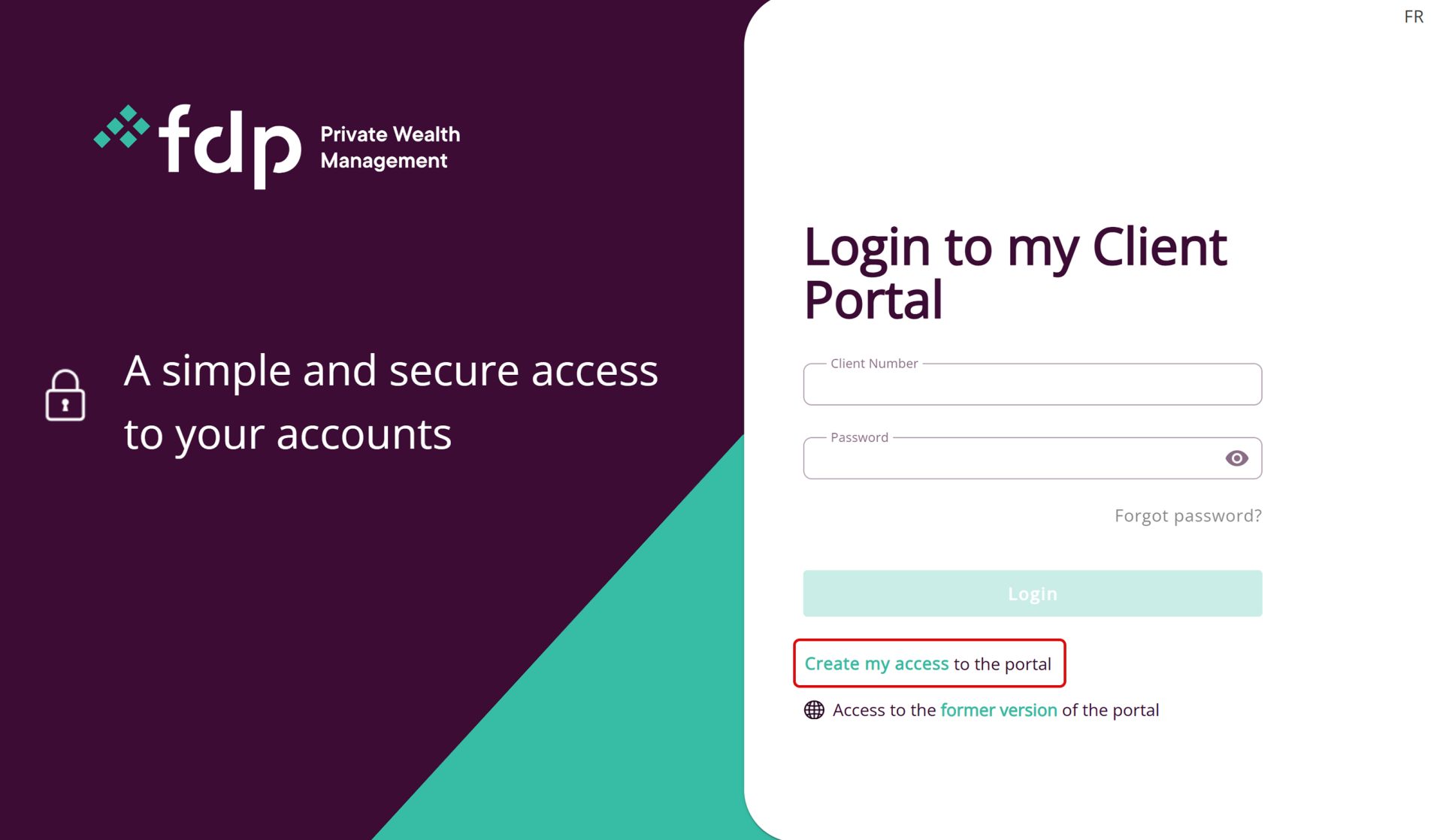
- Go the login page, then click on Create my access.
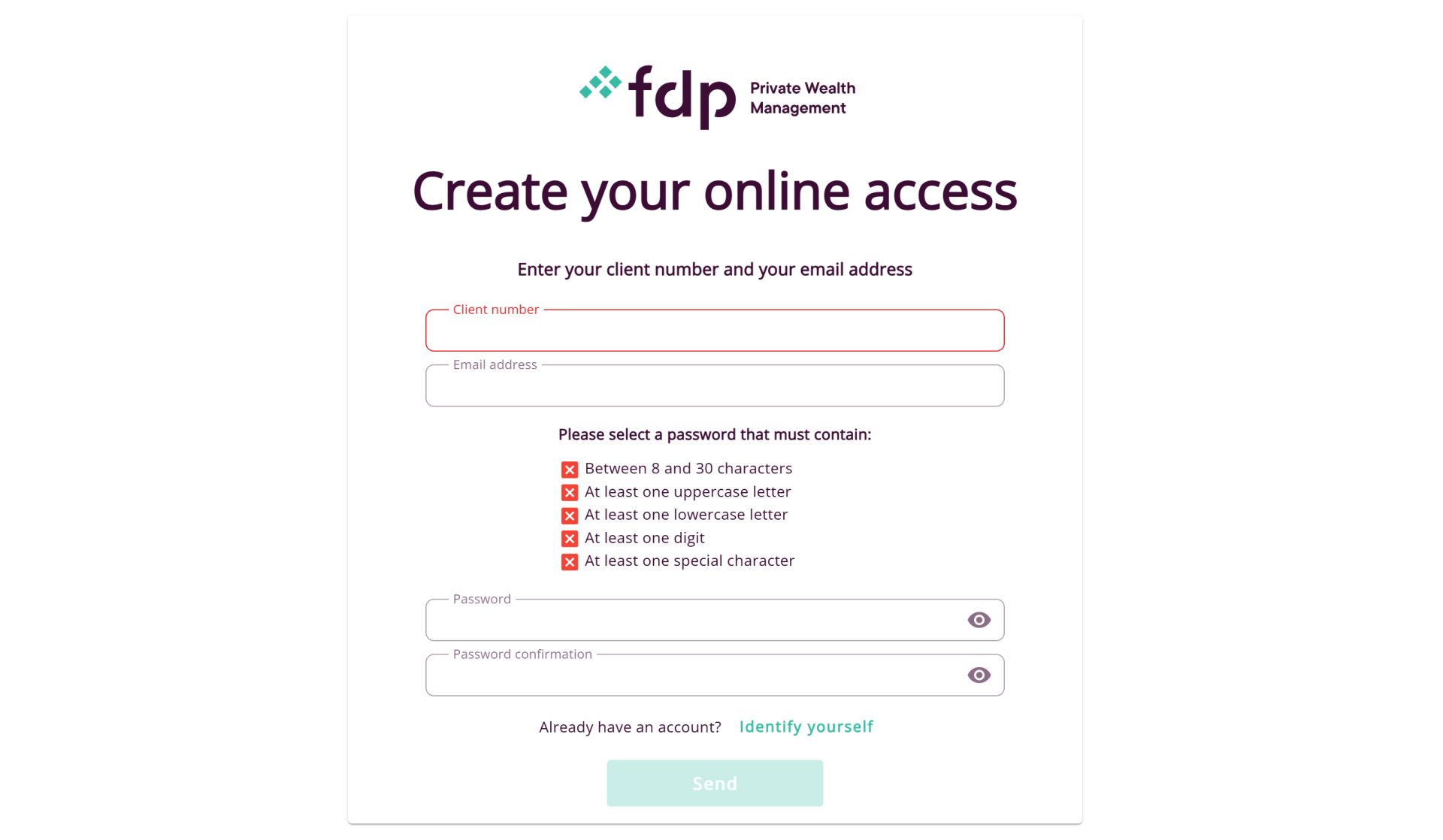
- Next, you must enter your client number and email address.
- On the same page, you must choose a password.
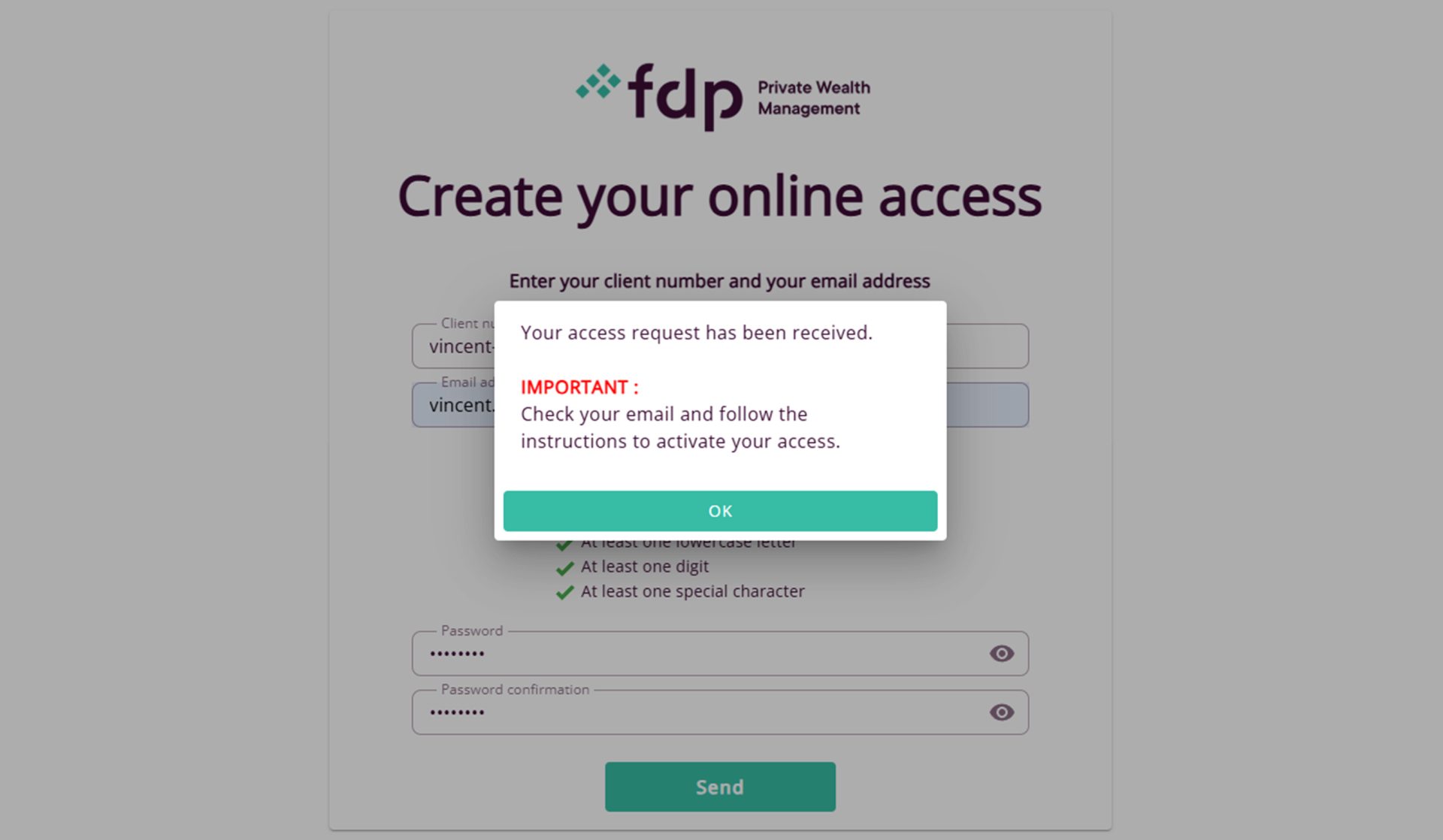
- You will then receive an email containing a link to finalize your registration. This step is necessary to validate and complete your request. If the email is not in your inbox, please check your spam folder.
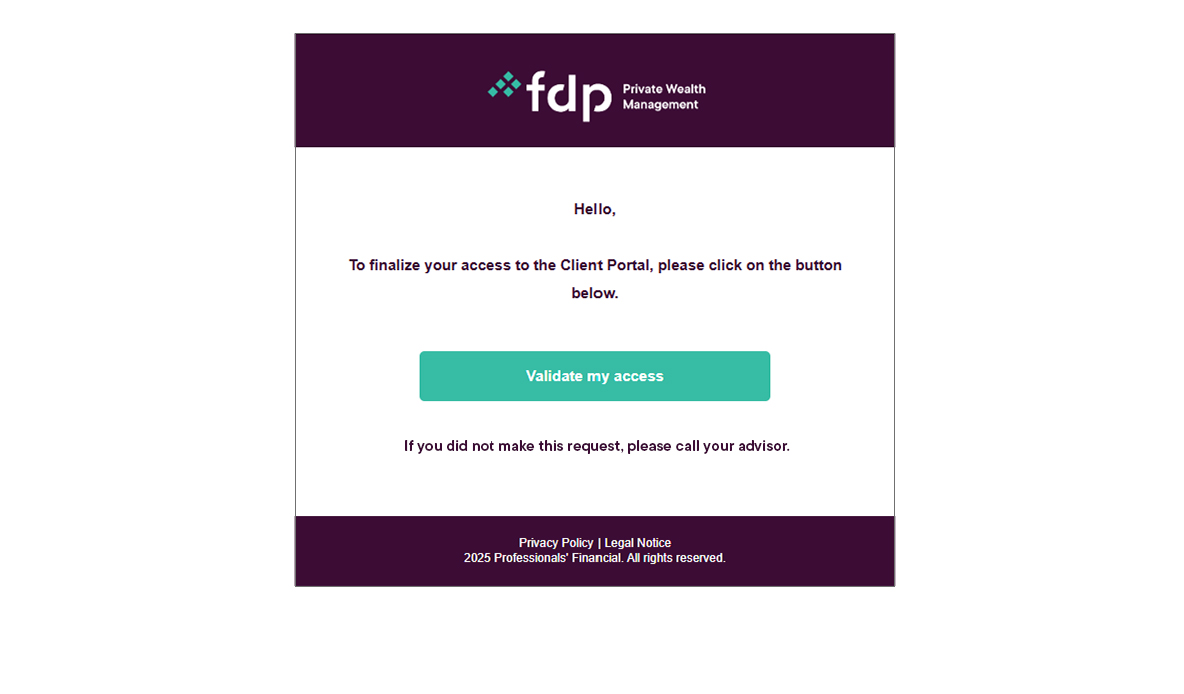
- After accessing this link, your registration will be complete and you will be able to log in on the Client Portal.

If you still have any questions about creating your access to Client Portal, don’t hesitate to contact your advisor!